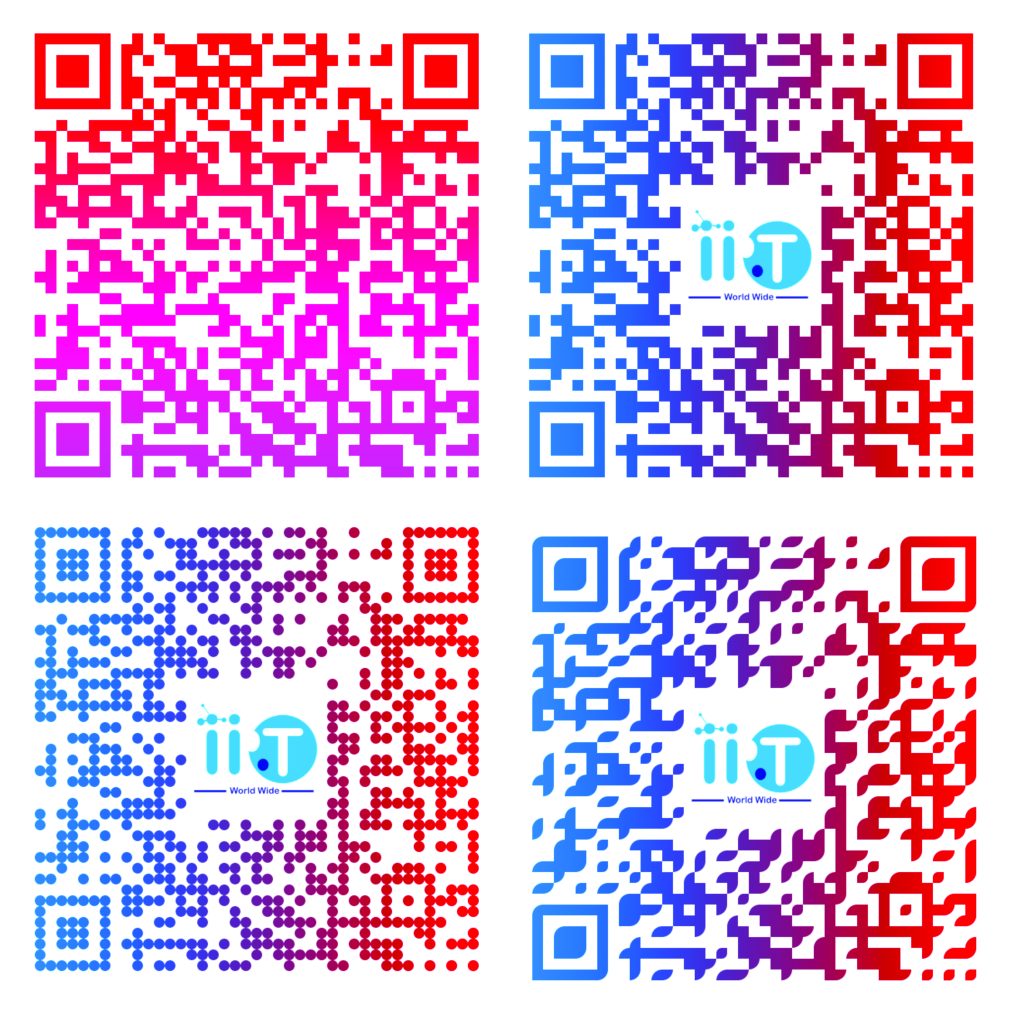
Premium QR Code Genrator free for life time
Generate QR Code
QR Code will appear here
- Enter Your Content: Input a URL, text, or other data (e.g., https://yoursite.com) in the QR code form.
- Set the Size: Choose a size between 100–500 pixels for the perfect fit.
- Pick Colors: Select a start color for the QR code and a background color. Premium users can enable gradient dots with diagonal, horizontal, or vertical directions.
- Choose a Style: Select from square, dot, or round styles for a unique look.
- Add a Logo: Upload a PNG or JPG logo to embed in the center of your QR code.
- Premium Feature: Upload a background image (PNG/JPG) to place behind your logo for a branded effect (e.g., a company watermark or pattern).
- Generate and Download: Click “Generate QR Code” to preview it instantly. Download the QR code as a PNG for use in print or digital campaigns.